QR Code Best Practices for 2025: Design, Placement & Testing
Learn the latest best practices for creating effective QR codes that drive engagement and deliver measurable results.
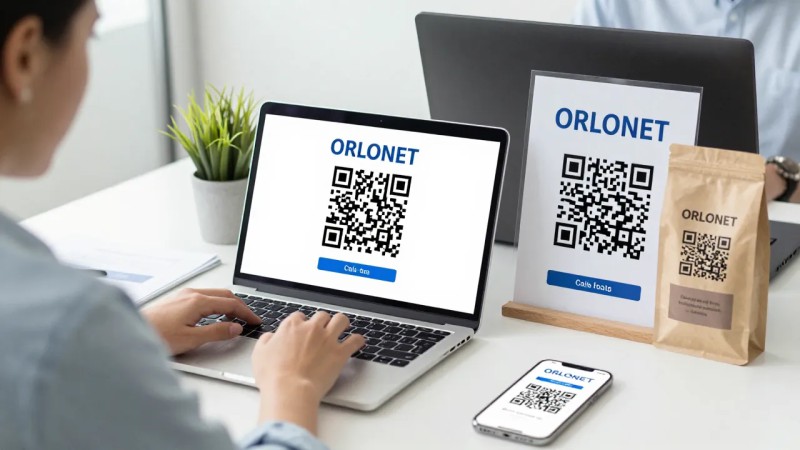
Creating effective QR codes goes beyond just generating a pattern. Follow these best practices to ensure maximum scan rates and user engagement.
Design Best Practices
1. Size Matters
- Minimum size: 2x2 cm (0.8x0.8 inches)
- Rule of thumb: 10:1 ratio (scan distance : QR size)
- For 1 meter distance: Use at least 10cm QR code
- Large format: Consider 20x20 cm for billboards
2. Color and Contrast
- High contrast required: Dark foreground, light background
- Color combinations: Black on white is safest
- Avoid: Light colors, low contrast, busy backgrounds
- Test: Verify scannability with different lighting
3. Error Correction
- Level L (7%): Basic use, clean environment
- Level M (15%): Recommended for most cases
- Level Q (25%): Outdoor use, potential damage
- Level H (30%): Logo embedding, harsh conditions
4. Logo and Branding
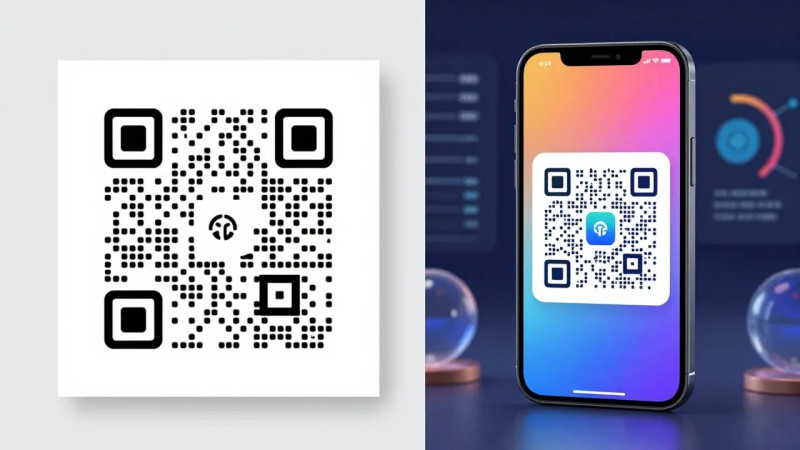
- Safe area: Keep logos under 20% of total size
- Placement: Center works best
- Alternative: Add branding around the QR code
- Test again: Always verify scannability
Placement Best Practices
Location and Environment
- Eye level - Easiest scanning position
- Good lighting - Avoid shadows and glare
- Flat surface - Curved surfaces reduce scan rates
- Stable position - Avoid moving objects
Physical Considerations
- Print quality: Use high-resolution printing (300 DPI minimum)
- Material: Choose durable materials for outdoor use
- Weather protection: Laminate outdoor codes
- Maintenance: Replace damaged or faded codes
Call-to-Action (CTA)
Never assume users know what to do. Include clear instructions:
Good examples:
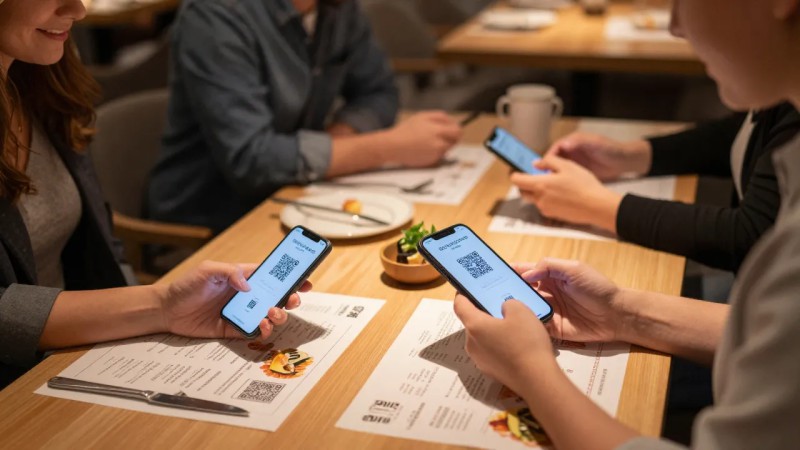
- "Scan to view menu"
- "Scan for exclusive discount"
- "Scan to download the app"
- "Scan to connect to WiFi"
Bad examples:
- No text at all
- Vague instruction: "Scan me"
- Too much text that overwhelms
Mobile Optimization
Since 100% of QR scans happen on mobile devices:
Landing Page Requirements
- Mobile-responsive design
- Fast loading (under 3 seconds)
- Clear value proposition
- Easy navigation
- No forced app downloads
User Experience
- No registration walls (unless necessary)
- One clear action per page
- Large, tappable buttons
- Minimal form fields
Testing Checklist
Before deploying QR codes:
Device Testing
- iPhone (latest iOS)
- Android (latest version)
- Older devices (2-3 years)
- Different QR scanner apps
Environment Testing
- Various lighting conditions
- Different scanning angles
- Multiple distances
- Real-world conditions
Content Testing
- Landing page loads correctly
- All links work
- Forms submit properly
- Analytics tracking works
Analytics and Optimization
Track These Metrics
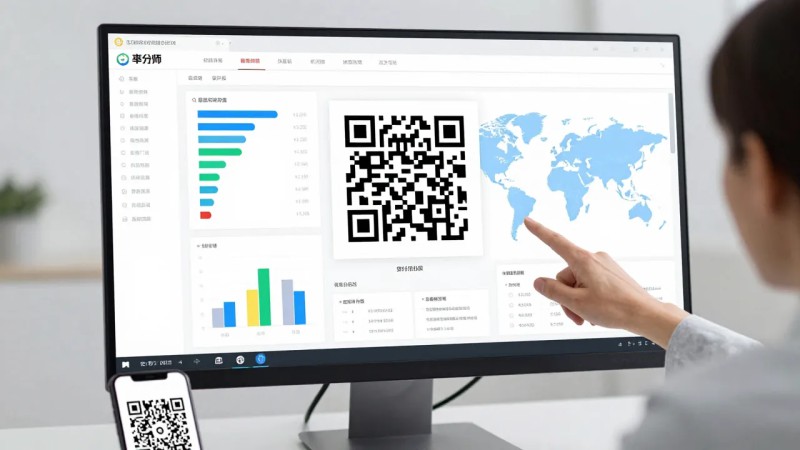
- Scan count - Total engagement
- Unique scans - Reach
- Time of day - Peak scanning times
- Location - Geographic performance
- Device type - Technical insights
A/B Testing
Test different variations:
- QR code designs
- Call-to-action text
- Placement locations
- Landing page content
Common Mistakes to Avoid
- Too small - Users can't scan
- Poor contrast - Scanner can't read
- No CTA - Users don't know why to scan
- Broken links - Frustrating experience
- Not mobile-optimized - Poor user experience
- No testing - Discover issues after printing
Security Considerations
- Use HTTPS - Secure connections only
- Verify URLs - Prevent typo-squatting
- Monitor scans - Detect unusual activity
- Update regularly - Keep content fresh and secure
Conclusion
Following these best practices will significantly improve your QR code campaign performance. Remember: the goal isn't just scans—it's providing value to users who scan.
Test thoroughly, optimize continuously, and always prioritize user experience. With QRFlux's analytics and dynamic features, you can track performance and make data-driven improvements.
QRFlux Team
QRFlux team shares insights on QR code technology, digital marketing, and best practices to help businesses succeed.
Ready to Create Your QR Code?
Start creating professional QR codes with advanced features
Get Started Free